Task
CSEntry can launch some background jobs. Some are triggered automatically and others manually.
Most tasks trigger an Ansible playbook on AWX via the API. AWX is web-based user interface, REST API and task engine build on top of Ansible.
For example, when you create a new host, a job is automatically fired to update the DHCP and DNS services. From the View host page, you can manually trigger a VM creation, see VM creation.
The Task page gives you a list of all the tasks that you triggered (admin users can see all the tasks).
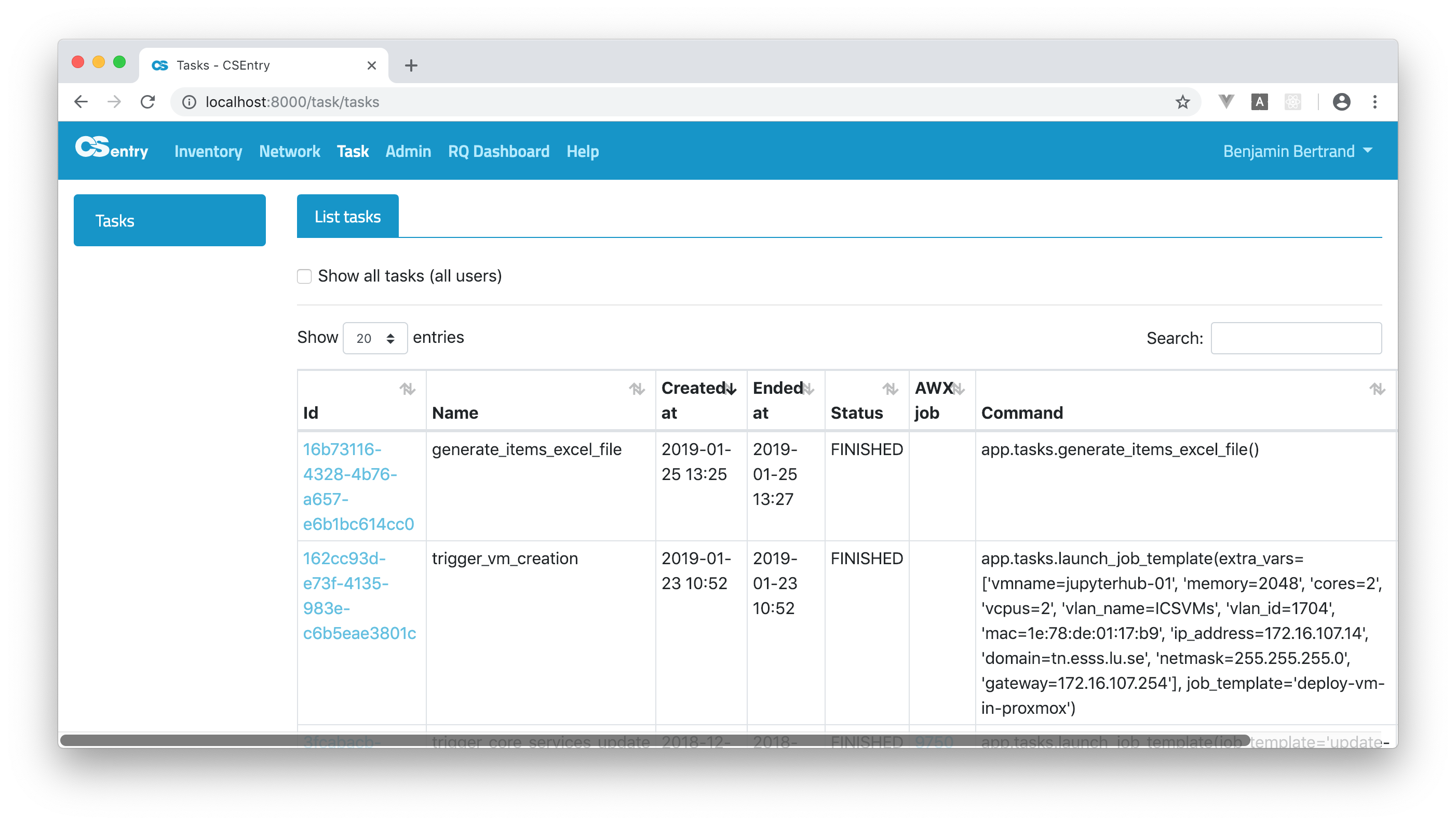
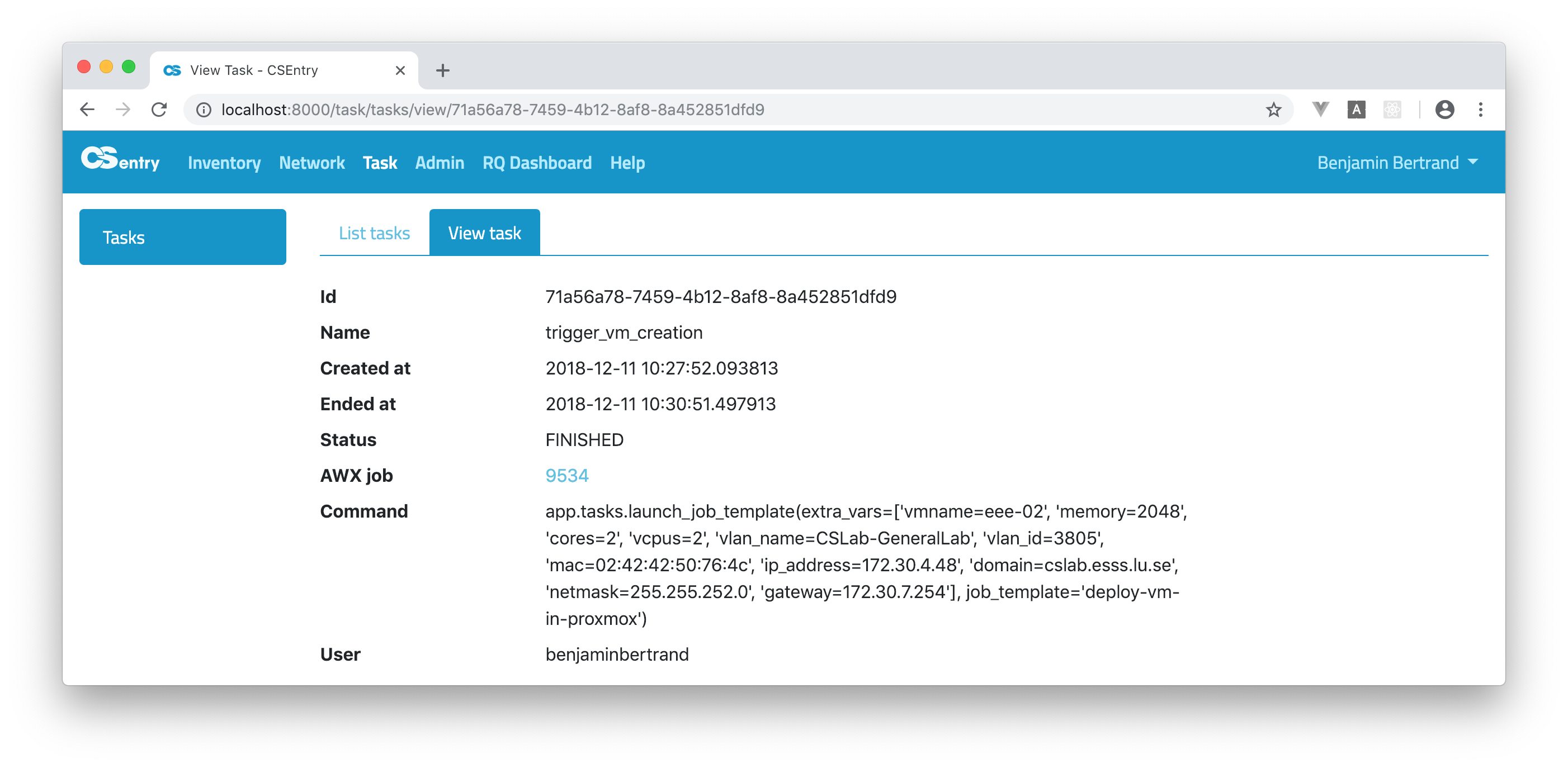
Clicking on the Id of a task will take you to the View task page. On that page you can see all the task’s details. It includes a link to the AWX job where you can find the full log of the job that was run.
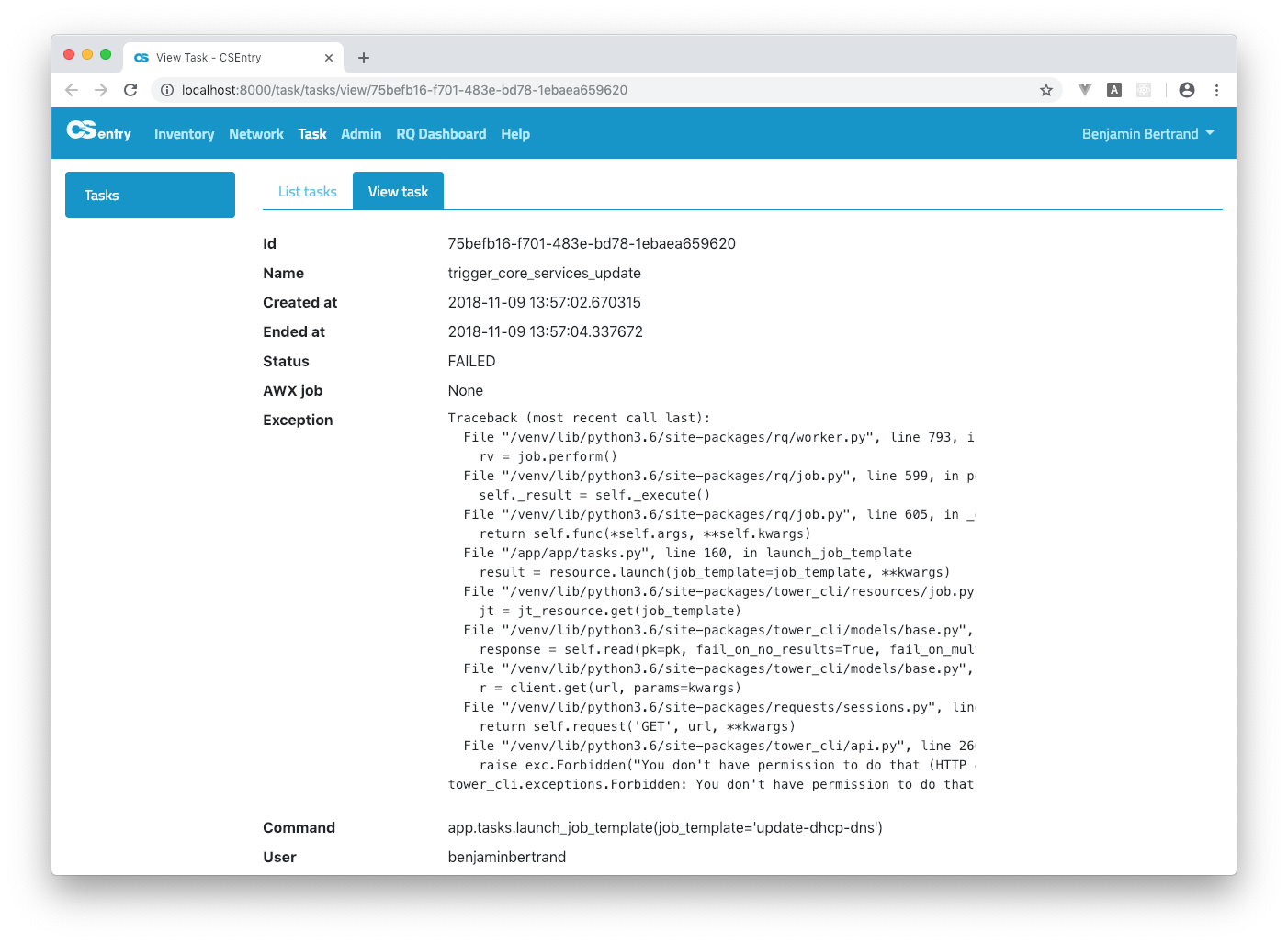
If a task failed before the AWX job was run, the exception will be displayed: