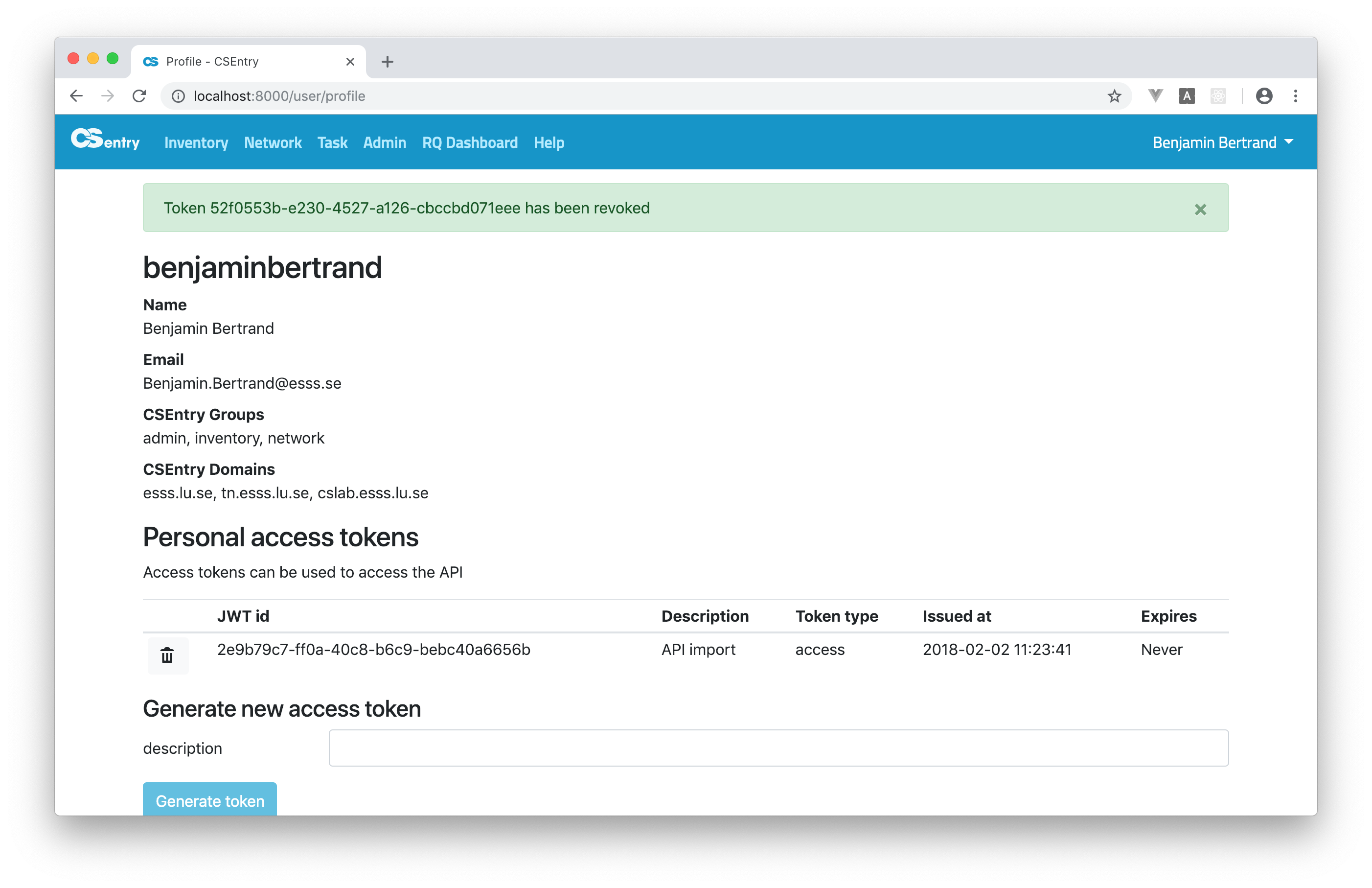
Profile
From your profile page, you can manage tokens that can be used to access the API. You can access our profile by clicking on your name in the upper right corner.

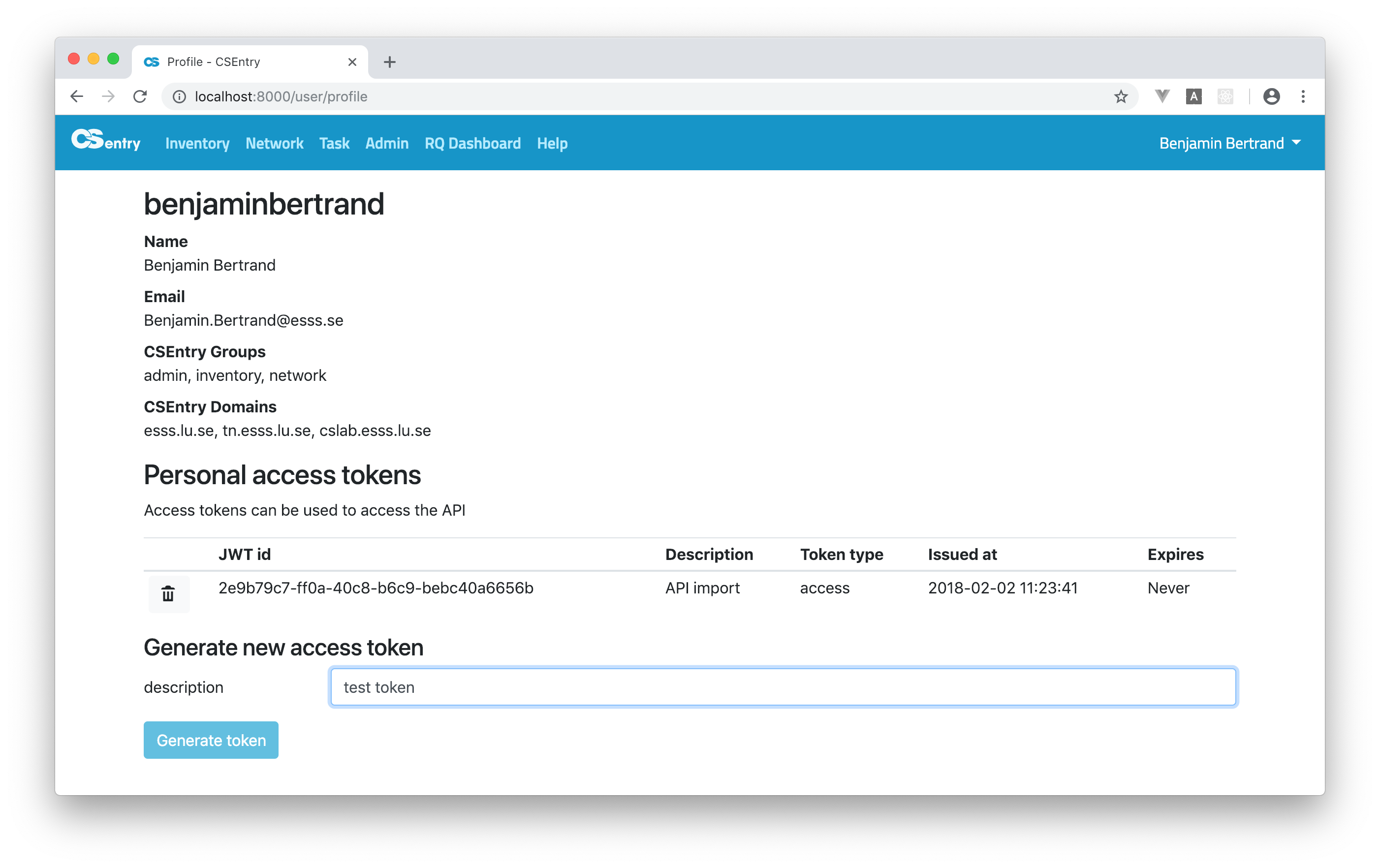
Generate a personal access token
Enter a description for the token and click on Generate token.
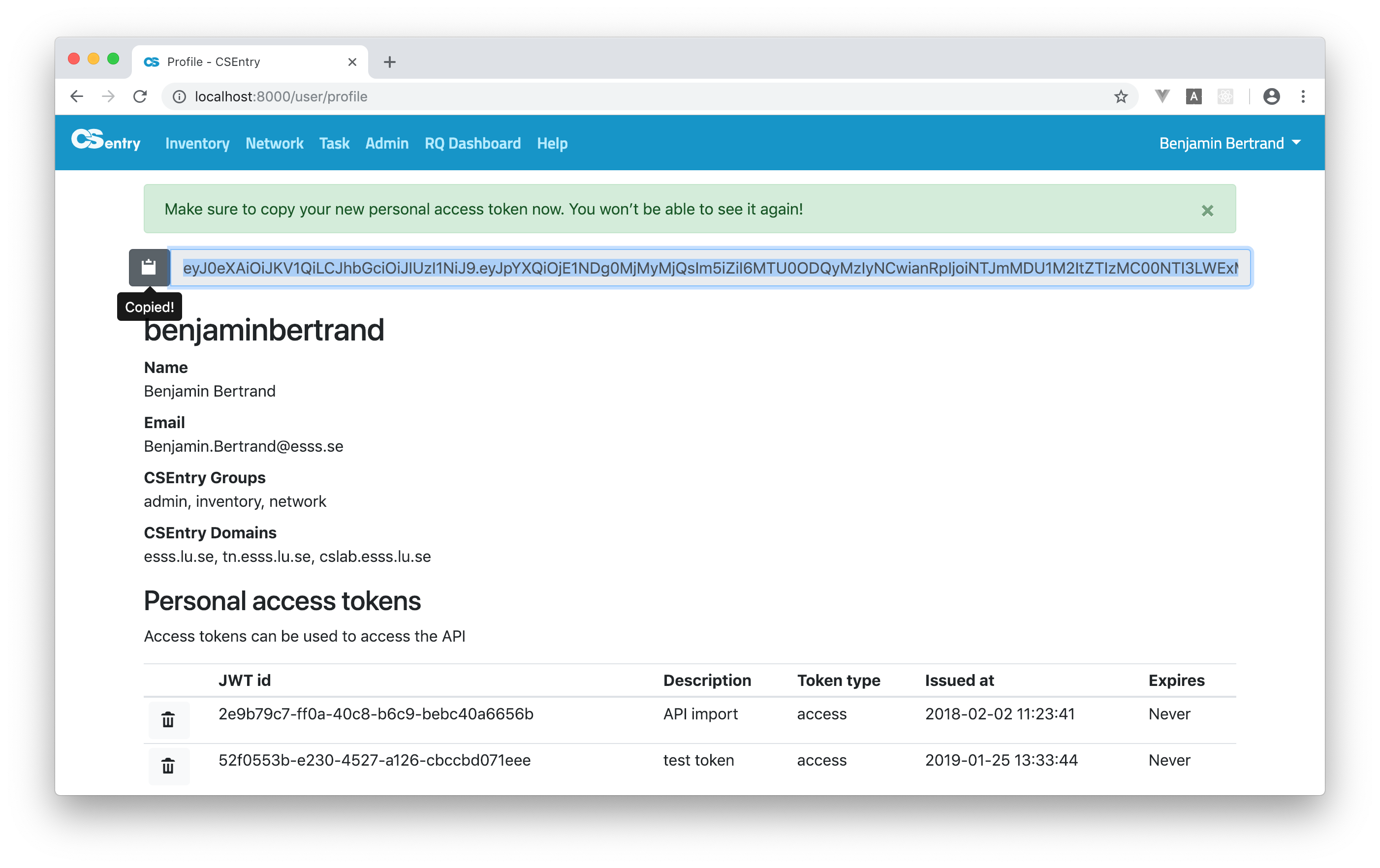
Click on the icon on the left of the generated token to copy it to the clipboard. Save it to a safe place. You won’t be able to see the token again! Only the JWT id is saved to the database.
Revoke a personal access token
Click on the trash icon on the left of the JWT id on your profile page. A confirmation window will open.
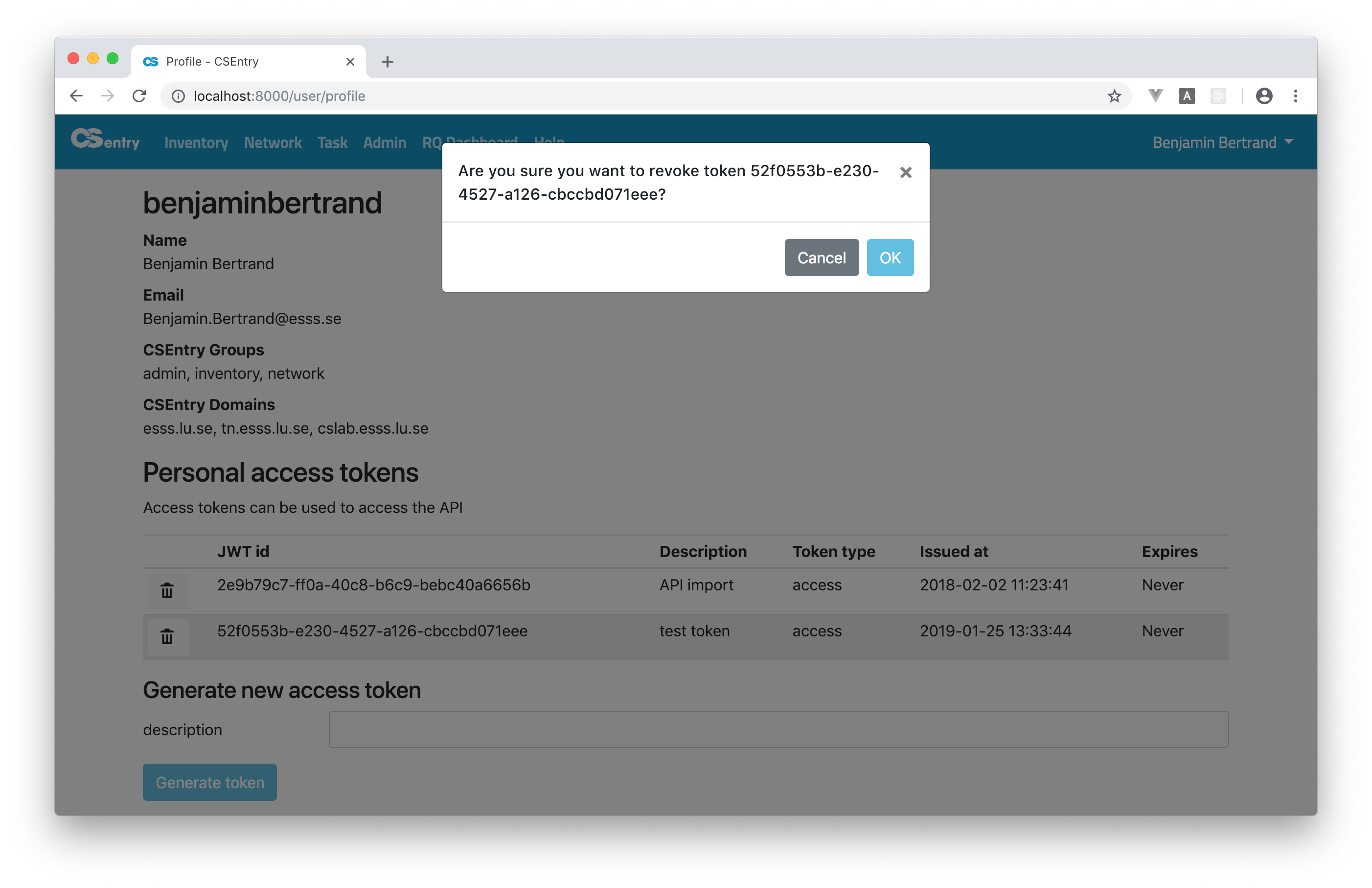
Click OK to revoke the token. Or Cancel.